Describe the save execution order and use of before and after triggers

In the dynamic realm of Salesforce development, mastering the intricacies of the save execution order and harnessing the power of "before" and "after" triggers are pivotal skills. As data undergoes the journey from user interaction to persistent storage in Salesforce, a well-orchestrated sequence of events unfolds, shaping the landscape for customization and automation. This process, known as the save execution order, and the strategic deployment of triggers before and after data manipulation play a crucial role in ensuring data integrity, enforcing business rules, and orchestrating intricate workflows.
Let's delve into this orchestrated symphony of events, understanding how each component contributes to Salesforce applications' seamless and efficient functioning.
In Salesforce, triggers are pieces of Apex code that are executed before or after specific events occur, such as the insertion, updating, or deletion of records. The order of execution and the use of "before" and "after" triggers are crucial concepts in Salesforce development. Let's explore the save execution order and the roles of "before" and "after" triggers:
Save Execution Order
1. Before Triggers (System Validation)
Order of Execution: Before Triggers are executed first in the save process.
Purpose: These triggers are primarily used for system validation and to enforce business rules before the record is saved to the database. If a "before" trigger encounters an error, the entire transaction is rolled back, and the record is not saved.
2. System Validation Rules
Execution Order: After "before" triggers, system validation rules are executed.
Purpose: System validation rules check for issues such as required fields, field format, and maximum field length. If these rules aren't satisfied, the transaction is rolled back.
3. After Triggers (Custom Validation, Updating Related Records)
Order of Execution: After system validation, "after" triggers are executed.
Purpose: These triggers are used for custom validation and manipulation of records after they have been saved to the database. They are suitable for tasks that should occur only after the record is safely stored, such as sending emails, updating related records, or performing complex calculations.
4. Assignment Rules
Execution Order: Following "after" triggers, assignment rules are processed.
Purpose: Assignment rules determine the owner of the record.
5. Auto-Response Rules
Execution Order: Auto-response rules are executed after assignment rules.
Purpose: Auto-response rules send automated email responses based on certain conditions.
6. Workflow Rules
Execution Order: Workflow rules are executed after auto-response rules.
Purpose: Workflow rules automate standard internal procedures to save time across the platform.
7. Processes
Execution Order: Processes are executed after workflow rules.
Purpose: Processes are used for more complex automation, integrating with external systems, or updating multiple records.
8. Before Triggers (Again):
Execution Order: Before Triggers are executed again, but this time, they occur before record-specific actions, like email alerts, are executed.
Purpose: This allows developers to perform additional operations before triggering specific actions, such as sending emails.
9. After Triggers (Again)
Execution Order: After Triggers are executed again, but this time, they occur after record-specific actions.
Purpose: Developers can perform additional operations after specific actions, such as sending emails, are completed.
Use of Before and After Triggers
Before Triggers
· Used for validation and to enforce business rules.
· Errors in "before" triggers prevent record insertion or update.
After Triggers
· Used for tasks that should occur after the record is saved.
· Suitable for tasks like updating related records, sending emails, or invoking external processes.
· Errors in "after" triggers do not prevent record insertion or update, but they can be logged for later review.
Understanding the save execution order and effectively utilizing "before" and "after" triggers is crucial for developing robust and efficient Salesforce applications. It allows developers to implement complex business logic, enforce data integrity, and automate processes in a controlled and predictable manner.
Find a course provider to learn Salesforce
Java training | J2EE training | J2EE Jboss training | Apache JMeter trainingTake the next step towards your professional goals in Salesforce
Don't hesitate to talk with our course advisor right now
Receive a call
Contact NowMake a call
+1-732-338-7323Take our FREE Skill Assessment Test to discover your strengths and earn a certificate upon completion.
Enroll for the next batch
Salesforce Course Online Training
- Dec 15 2025
- Online
Salesforce Course Online Training
- Dec 16 2025
- Online
Salesforce Course Online Training
- Dec 17 2025
- Online
Salesforce Course Online Training
- Dec 18 2025
- Online
Salesforce Course Online Training
- Dec 19 2025
- Online
Related blogs on Salesforce to learn more

INTRODUCTION TO CLINICAL RESEARCH
Learn the fundamentals of clinical trials, and eight phases of the clinical research process.
Describe when and why to use the Force.com code
Discover how to leverage the power of Apex code to automate business processes, enhance user experience, and improve data quality in your Salesforce organization.

Features of Force.com code and distinguish between Force.com code and other programming languages.
Learn how to seamlessly integrate Force.com pages into your Salesforce applications to enhance user experience and discover the steps to create, customize, and deploy custom pages that meet your specific business needs.

List and Describe Syntax Features of Force.com Code
Master the syntax features of Force.com code and description for each feature.
An Introduction: Integrating with the Salesforce Force.com Platform
Unlock the full potential of your Salesforce implementation by integrating it with external systems and applications.
Describe How to Incorporate Force.com Pages into Force.com Applications
Learn how to seamlessly integrate Force.com pages into your Salesforce applications to enhance user experience and discover the steps to create, customize, and deploy custom pages that meet your specific business needs.
Debugging, Testing, and Monitoring in Force.com: A Comprehensive Guide
Explore the essential techniques for debugging, testing, and monitoring your Force.com applications.
A Comprehensive Guide to Managing Static Resources in Salesforce
We have discussed the types of Static Resources, how to Create & Use Static Resources and best Practices for Managing Static Resources in Salesforce
Introduction to Force.com Sites – Overview
Learn about the features, benefits, and use cases for Force.com Sites, and discover how to create a custom website that integrates with your Salesforce data and workflows.
Distinguish between standard controllers, custom controllers, and extensions
This guide covers the features, benefits, and use cases for each type of controller, helping you to build more efficient and effective Salesforce applications.
Latest blogs on technology to explore
From Student to AI Pro: What Does Prompt Engineering Entail and How Do You Start?
Explore the growing field of prompt engineering, a vital skill for AI enthusiasts. Learn how to craft optimized prompts for tools like ChatGPT and Gemini, and discover the career opportunities and skills needed to succeed in this fast-evolving indust
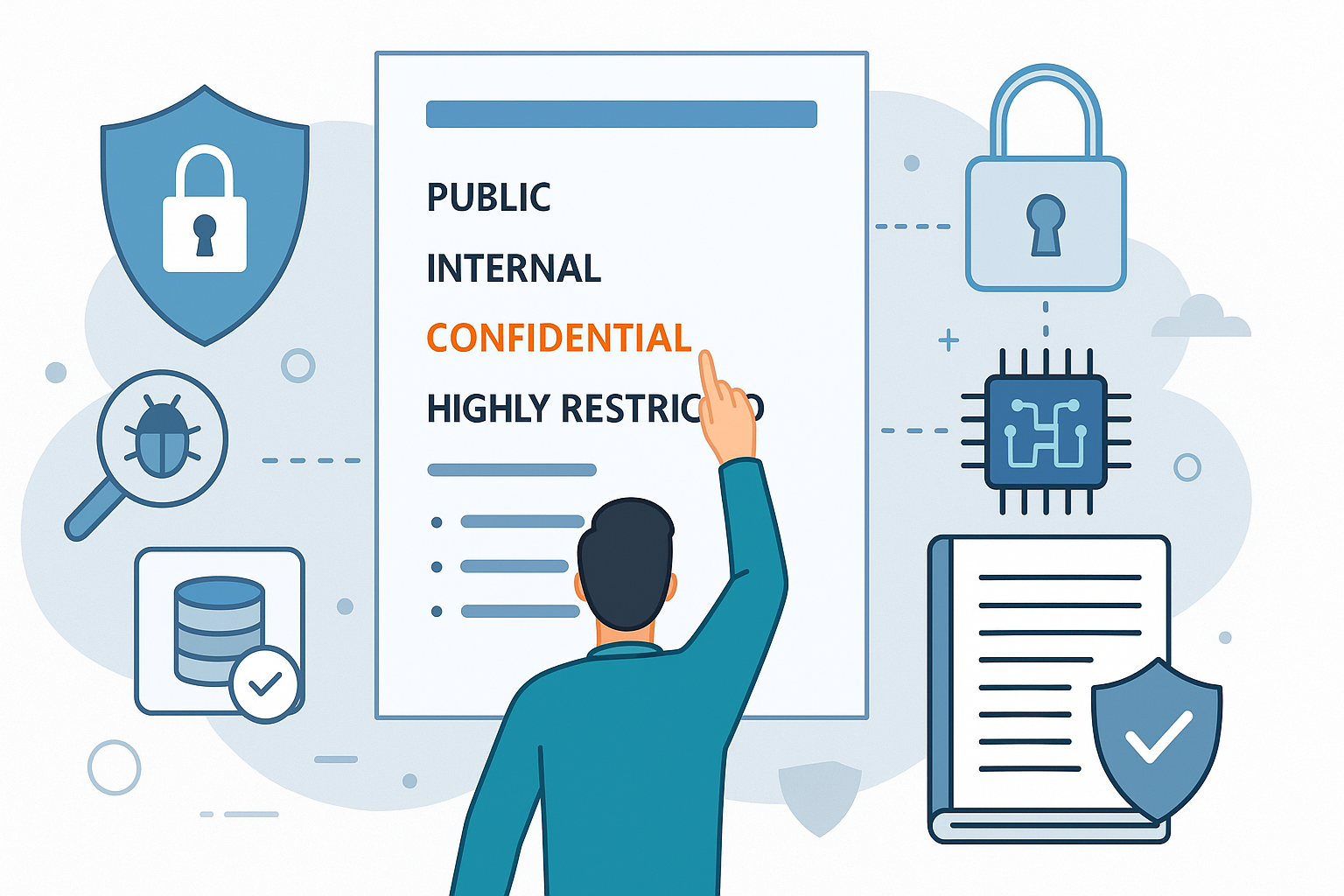
How Security Classification Guides Strengthen Data Protection in Modern Cybersecurity
A Security Classification Guide (SCG) defines data protection standards, ensuring sensitive information is handled securely across all levels. By outlining confidentiality, access controls, and declassification procedures, SCGs strengthen cybersecuri

Artificial Intelligence – A Growing Field of Study for Modern Learners
Artificial Intelligence is becoming a top study choice due to high job demand and future scope. This blog explains key subjects, career opportunities, and a simple AI study roadmap to help beginners start learning and build a strong career in the AI

Java in 2026: Why This ‘Old’ Language Is Still Your Golden Ticket to a Tech Career (And Where to Learn It!
Think Java is old news? Think again! 90% of Fortune 500 companies (yes, including Google, Amazon, and Netflix) run on Java (Oracle, 2025). From Android apps to banking systems, Java is the backbone of tech—and Sulekha IT Services is your fast track t

From Student to AI Pro: What Does Prompt Engineering Entail and How Do You Start?
Learn what prompt engineering is, why it matters, and how students and professionals can start mastering AI tools like ChatGPT, Gemini, and Copilot.

Cyber Security in 2025: The Golden Ticket to a Future-Proof Career
Cyber security jobs are growing 35% faster than any other tech field (U.S. Bureau of Labor Statistics, 2024)—and the average salary is $100,000+ per year! In a world where data breaches cost businesses $4.45 million on average (IBM, 2024), cyber secu

SAP SD in 2025: Your Ticket to a High-Flying IT Career
In the fast-paced world of IT and enterprise software, SAP SD (Sales and Distribution) is the secret sauce that keeps businesses running smoothly. Whether it’s managing customer orders, pricing, shipping, or billing, SAP SD is the backbone of sales o

SAP FICO in 2025: Salary, Jobs & How to Get Certified
AP FICO professionals earn $90,000–$130,000/year in the USA and Canada—and demand is skyrocketing! If you’re eyeing a future-proof IT career, SAP FICO (Financial Accounting & Controlling) is your golden ticket. But where do you start? Sulekha IT Serv

Train Like an AI Engineer: The Smartest Career Move You’ll Make This Year!
Why AI Engineering Is the Hottest Skillset Right Now From self-driving cars to chatbots that sound eerily human, Artificial Intelligence is no longer science fiction — it’s the backbone of modern tech. And guess what? Companies across the USA and Can
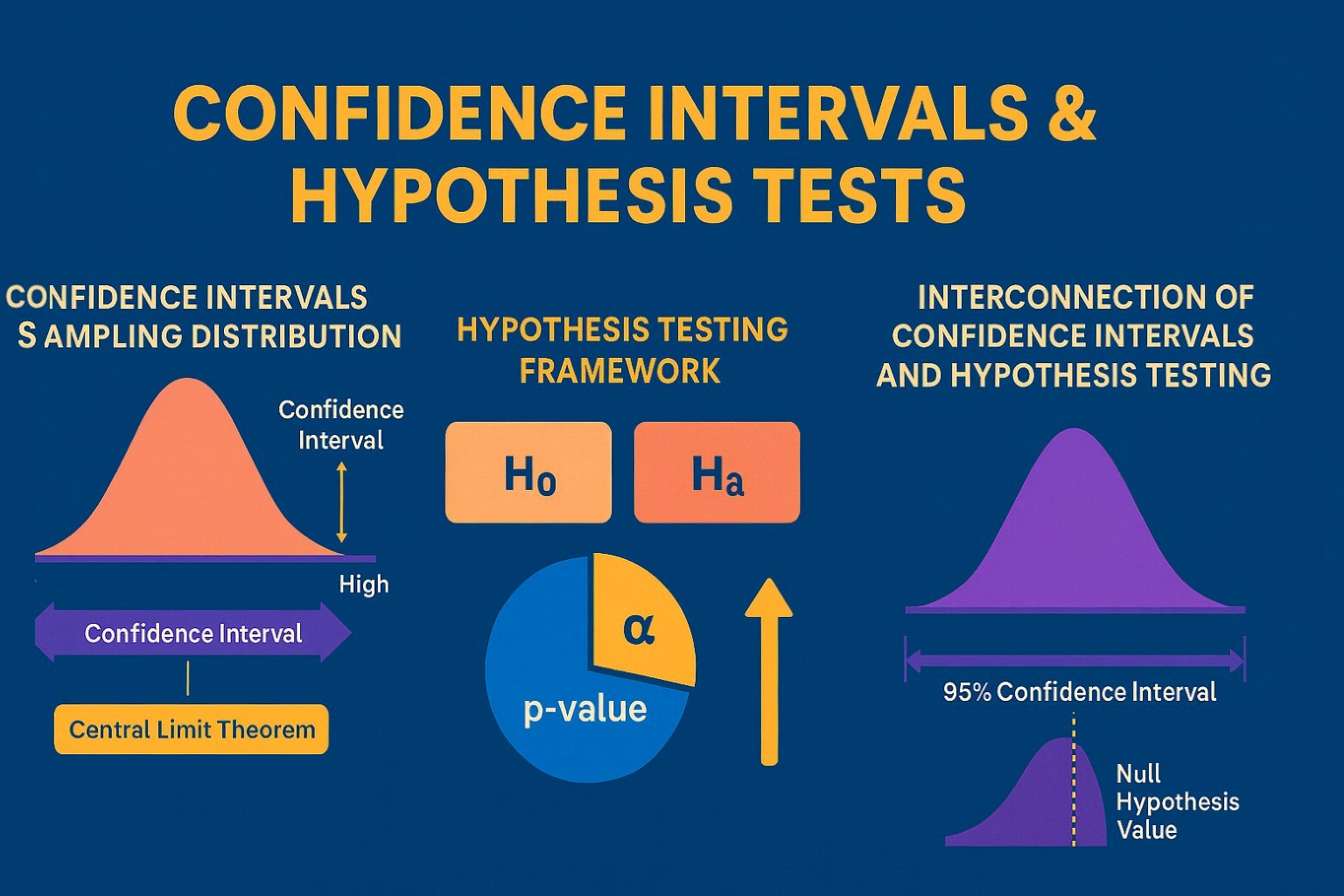
Confidence Intervals & Hypothesis Tests: The Data Science Path to Generalization
Learn how confidence intervals and hypothesis tests turn sample data into reliable population insights in data science. Understand CLT, p-values, and significance to generalize results, quantify uncertainty, and make evidence-based decisions.