Comprehensive Overview of Salesforce Sandboxes
Sandbox refers to a feature that allows developers to create a copy of their production environment for testing and development purposes. This copy, called a sandbox, enables developers to experiment with new features, test code changes, and troubleshoot issues without affecting the production environment.
Sandbox Overview provides different sandboxes, including Developer, Developer Pro, Partial Copy, Full, and Integration. Each type has its features and limitations, depending on the developer's needs. To learn more about salesforce Sandboxes, you can enroll in Salesforce certification course.
What is Sandbox
"Sandbox" refers to a copy of a Salesforce organization used for development, testing, and training purposes. Sandboxes provide a safe and isolated environment where developers can create, modify, and test applications without affecting the production environment.
When to Use a Sandbox
Sandboxes help create copies of your Salesforce org in a distinct environment. Utilize these resources for development, testing, and training while ensuring the integrity and security of the data and applications within your production organization.
The Salesforce platform offers sandboxes and a set of tools for the deployment process, and with the aid of that, we can do the following:
· Till you intend to make deployment changes, you can isolate the customization and development processes from the production environment.
· Provide a training environment.
· Conduct tests on replicas of your production data and user base to evaluate the effectiveness of the modifications.
· The process involves consolidating various modifications into a single deployment to the production environment.
With the aid of these, you can deploy the process effectively. Moreover, if you are an administrator intending to add features or a developer writing code or working in a developer team to enhance organizational requirements, you should always choose the right environment and best tool. This helps you build and deploy changes successfully for the organization's development.
Application Lifecycle and Development Models
Salesforce offers diverse development tools and procedures to cater to its customers' requirements. The application lifecycle management (ALM) process has three development models.
· Change set development
· Org development
· Package development
To understand the development process and guidance on effectively structuring your work, refer to the module on Trailhead.
Sandbox Types and Templates
· Developer Sandbox –Designed for development and testing in an isolated environment
· Developer Pro Sandbox – Intended for development and testing in an isolated environment and can host larger data sets than a developer sandbox
· Partial Copy Sandbox – Used as a testing environment
· Full Sandbox – Support performance testing, load testing, and staging.
· Sandbox Templates Tab - The tab lists any templates you have created if you have purchased a license for Partial Copy or Full Sandboxes. The list of templates are:
· Create a Sandbox Data Template
· Create a sandbox from a template.
· Edit or delete a template.
· Click the template name for more information.
· Sandboxes are separated from your production organization; thus, organization production does not affect the operation you perform in your sandboxes.
· Sandbox Licenses and Storage Limits by Type- types are mentioned above. You can purchase licenses for each sandbox type, and you can buy several licenses for each type.
· A sandbox is a distinct environment that contains a copy of your company that you can utilize for testing and training. Sandboxes are entirely separate from your Salesforce production environment. The actions you carry out in your sandboxes do not impact your Salesforce production organization.
· Moreover, you can create different sandbox environments for your organization depending on your requirements for copy configuration., storage, and refresh frequency.
Where are Sandboxes used?
Sandboxes are used for high-risk customization like:
· Applications
· Tabs
· Workflows and Validation rules
· Connected apps
· Custom objects, labels, and fields
· Apex Code
· Visualforce
Where are Sandboxes not used?
· Reports
· Dashboards
· Email Templates
· Folders
· List Views
What are the features of different Sandboxes?
Developer Sandbox Features includes:
· It has a 200 Mb data storage limit.
· Refresh Rate: Weekly (every 7 days).
· A subset of your production data, typically a few days old
· The ability to customize the sandbox environment to closely resemble the production environment, including configuring specific hardware, software, and network settings
· The Sandbox may provide access to documentation and support resources to help developers.
· Real-time monitoring and logging capabilities to track the behavior of the code
· Support for containerization technologies such as Docker and Kubernetes
· Ability to take snapshots of the sandbox environment at different stages of development
Developer Pro Sandbox Features
· It has a 1 GB Data storage capacity.
· Refresh Rate: Weekly (every 7 days).
· Provides advanced security features such as advanced encryption, multi-factor authentication, and network isolation
· The Developer Pro Sandbox can integrate with CI/CD pipelines.
· Provide advanced development tools such as integrated development environments (IDEs), code analysis, and code review tools.
Partial Data Sandbox
· It has a 4 GB data storage capacity, limiting 10,000 records per object.
· Refresh Rate: Every 5 days for non-full sandboxes; every 29 days for full sandboxes.
· A Partial Data Sandbox contains a subset of production data.
· This Sandbox is refreshed every five days.
· Personally Identifiable Information (PII), such as names and email addresses, can be replaced with fictional or masked data to protect privacy while still providing a representative data set for testing.
Full Copy Sandbox features
· This Sandbox can be refreshed every 29 days.
· A Full Copy Sandbox includes a full replica of the production environment, including all data and records.
· Supports end-to-end testing of complex configurations, workflows, and customizations in Salesforce.
What are the different migration tools used for Sandboxes?
When using Sandboxes, we use three different types of migration tools. They are
· Change Sets.
· Force.con IDE (Eclipse-based tool).
· Force.com migration tool. (Ant tool).
Points to be remembered before deployment using Sandboxes
· The developer must test and evaluate the development process before updating and deploying it to the production department.
· Using sandbox environments for deployment and testing in a particular environment should be discontinued once development has reached a specific stage.
· In developing an application utilizing Apex, it is imperative to fulfill the code coverage criterion.
· Upon completing the testing phase, it is imperative to ensure that business users engage in user acceptability testing.
· Now that testing has been finished, it is time to deploy the update to production using change sets.
In summary, Salesforce Sandboxes are pivotal for maintaining a stable and reliable Salesforce environment. Their diverse types cater to varied needs, from individual development tasks to large-scale testing. Best practices, such as regular refreshes and strategic documentation, ensure a smooth transition to production. By fostering controlled experimentation and innovation, Salesforce Sandboxes play a critical role in the success of Salesforce implementations, safeguarding against errors and optimizing the customer relationship management experience.
Find a course provider to learn Salesforce
Java training | J2EE training | J2EE Jboss training | Apache JMeter trainingTake the next step towards your professional goals in Salesforce
Don't hesitate to talk with our course advisor right now
Receive a call
Contact NowMake a call
+1-732-338-7323Take our FREE Skill Assessment Test to discover your strengths and earn a certificate upon completion.
Enroll for the next batch
Salesforce Course Online Training Course
- Jun 24 2026
- Online
Salesforce Course Online Training Course
- Jun 25 2026
- Online
Salesforce Course Online Training Course
- Jun 26 2026
- Online
Related blogs on Salesforce to learn more

INTRODUCTION TO CLINICAL RESEARCH
Learn the fundamentals of clinical trials, and eight phases of the clinical research process.
Describe when and why to use the Force.com code
Discover how to leverage the power of Apex code to automate business processes, enhance user experience, and improve data quality in your Salesforce organization.
Features of Force.com code and distinguish between Force.com code and other programming languages.
Learn how to seamlessly integrate Force.com pages into your Salesforce applications to enhance user experience and discover the steps to create, customize, and deploy custom pages that meet your specific business needs.
List and Describe Syntax Features of Force.com Code
Master the syntax features of Force.com code and description for each feature.
An Introduction: Integrating with the Salesforce Force.com Platform
Unlock the full potential of your Salesforce implementation by integrating it with external systems and applications.
Describe How to Incorporate Force.com Pages into Force.com Applications
Learn how to seamlessly integrate Force.com pages into your Salesforce applications to enhance user experience and discover the steps to create, customize, and deploy custom pages that meet your specific business needs.
Describe the save execution order and use of before and after triggers
Learn how to write triggers that execute at the right time to meet your specific business needs
Debugging, Testing, and Monitoring in Force.com: A Comprehensive Guide
Explore the essential techniques for debugging, testing, and monitoring your Force.com applications.
A Comprehensive Guide to Managing Static Resources in Salesforce
We have discussed the types of Static Resources, how to Create & Use Static Resources and best Practices for Managing Static Resources in Salesforce
Introduction to Force.com Sites – Overview
Learn about the features, benefits, and use cases for Force.com Sites, and discover how to create a custom website that integrates with your Salesforce data and workflows.
Latest blogs on technology to explore

Drug Safety & Pharmacovigilance: Your 2026 Career Passport to a Booming Healthcare Industry!
Why This Course Is the Hottest Ticket for Science Grads & Healthcare Pros (No Lab Coat Required!)" The Exploding Demand for Drug Safety Experts "Did you know? The global pharmacovigilance market is set to hit $12.5B by 2026 (Grand View Research, 202

Launch Your Tech Career: Why Mastering AWS Foundation is Your Golden Ticket in 2026
There’s one skill that can open all those doors — Amazon Web Services (AWS) Foundation

Data Science in 2026: The Hottest Skill of the Decade (And How Sulekha IT Services Helps You Master It!)
Data Science: The Career that’s everywhere—and Nowhere Near Slowing Down "From Netflix recommendations to self-driving cars, data science is the secret sauce behind the tech you use every day. And here’s the kicker: The U.S. alone will have 11.5 mill

Salesforce Admin in 2026: The Career Goldmine You Didn’t Know You Needed (And How to Break In!)
The Salesforce Boom: Why Admins Are in Crazy Demand "Did you know? Salesforce is the 1 CRM platform worldwide, used by 150,000+ companies—including giants like Amazon, Coca-Cola, and Spotify (Salesforce, 2025). And here’s the kicker: Every single one

Python Power: Why 2026 Belongs to Coders Who Think in Python
If the past decade was about learning to code, the next one is about coding smarter. And in 2026, the smartest move for any IT enthusiast is learning Python — the language that powers AI models, automates the web, and drives data decisions across ind

The Tableau Revolution of 2025
"In a world drowning in data, companies aren’t just looking for analysts—they’re hunting for storytellers who can turn numbers into decisions. Enter Tableau, the #1 data visualization tool used by 86% of Fortune 500 companies (Tableau, 2024). Whether
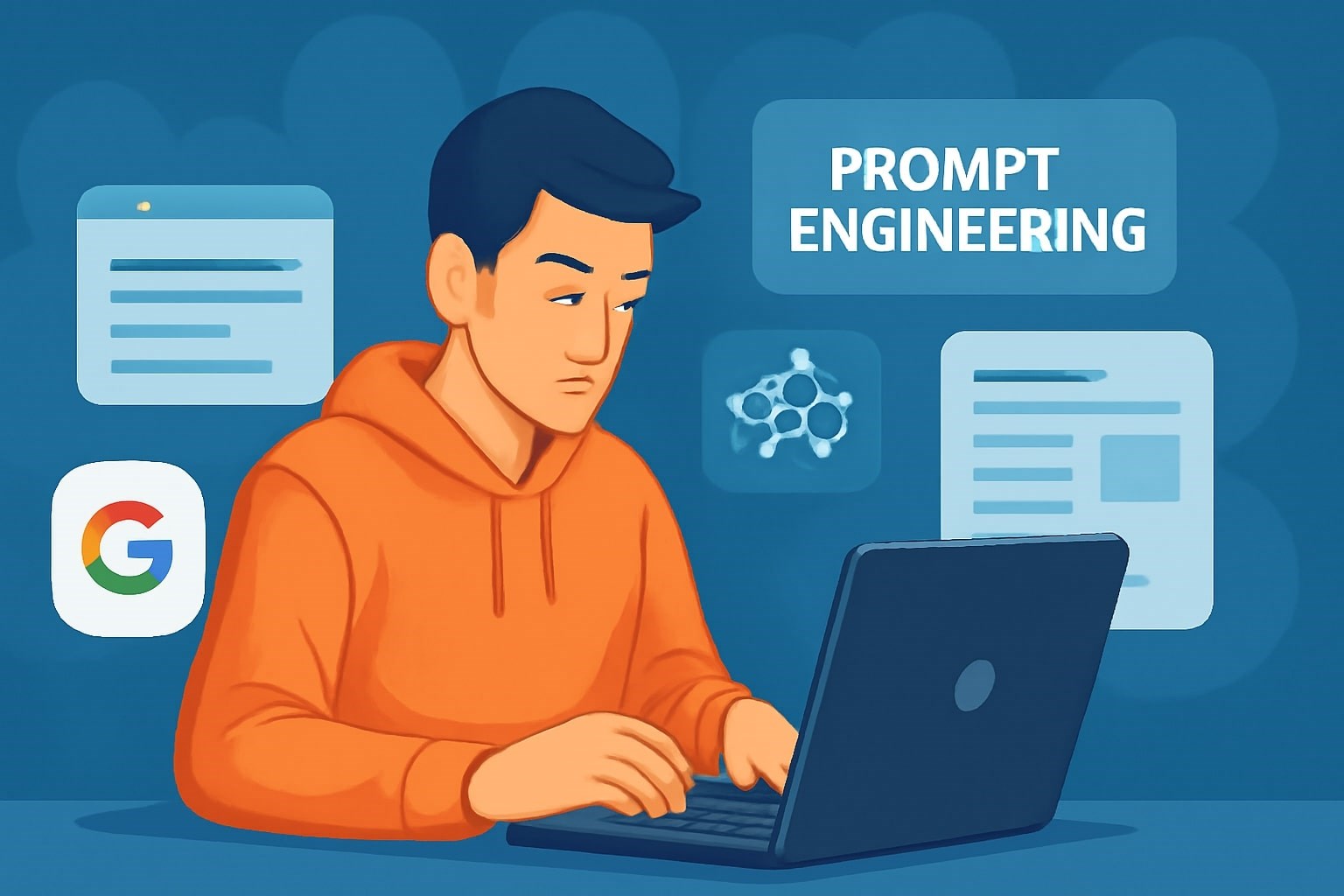
From Student to AI Pro: What Does Prompt Engineering Entail and How Do You Start?
Explore the growing field of prompt engineering, a vital skill for AI enthusiasts. Learn how to craft optimized prompts for tools like ChatGPT and Gemini, and discover the career opportunities and skills needed to succeed in this fast-evolving indust
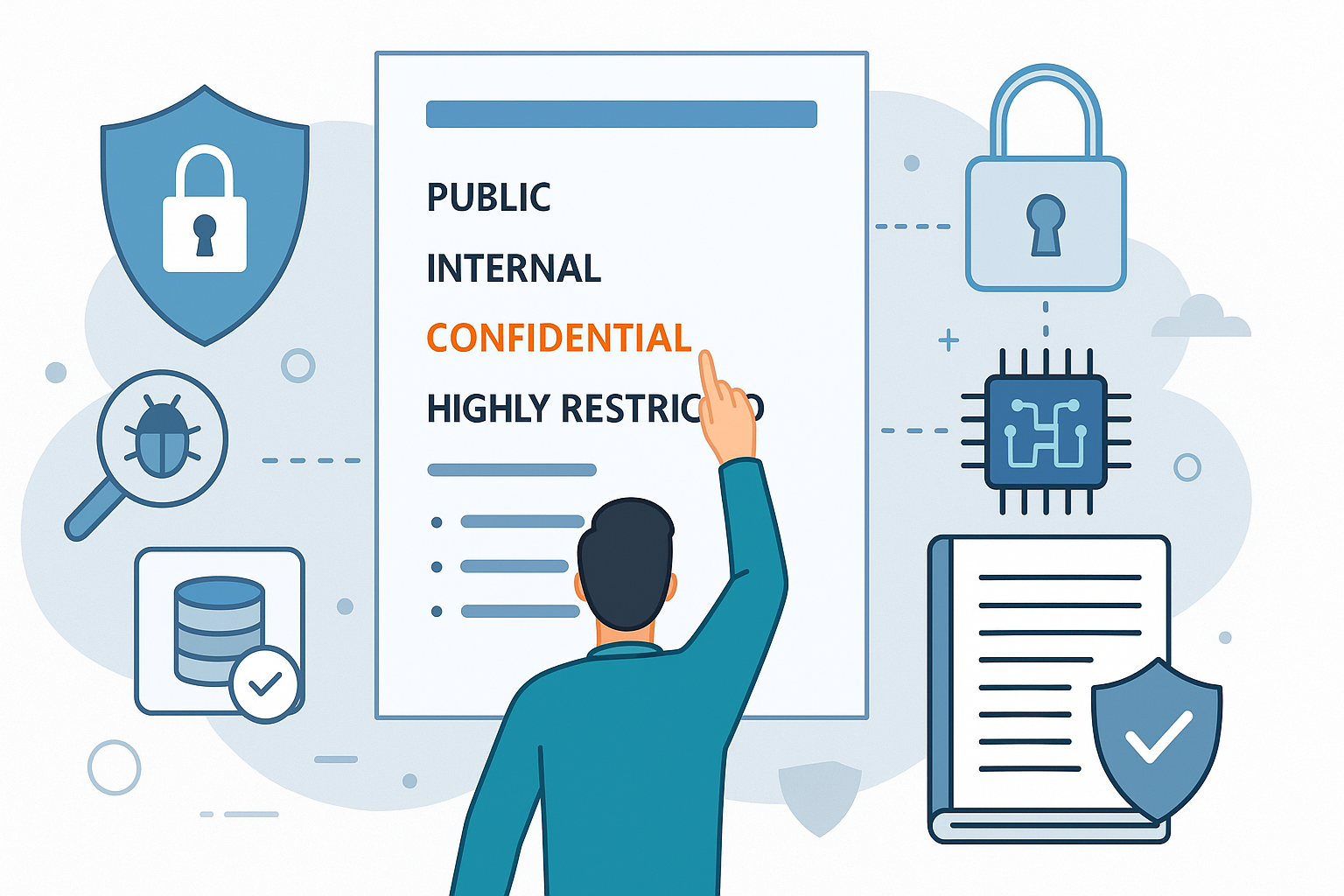
How Security Classification Guides Strengthen Data Protection in Modern Cybersecurity
A Security Classification Guide (SCG) defines data protection standards, ensuring sensitive information is handled securely across all levels. By outlining confidentiality, access controls, and declassification procedures, SCGs strengthen cybersecuri

Artificial Intelligence – A Growing Field of Study for Modern Learners
Artificial Intelligence is becoming a top study choice due to high job demand and future scope. This blog explains key subjects, career opportunities, and a simple AI study roadmap to help beginners start learning and build a strong career in the AI

Java in 2026: Why This ‘Old’ Language Is Still Your Golden Ticket to a Tech Career (And Where to Learn It!
Think Java is old news? Think again! 90% of Fortune 500 companies (yes, including Google, Amazon, and Netflix) run on Java (Oracle, 2025). From Android apps to banking systems, Java is the backbone of tech—and Sulekha IT Services is your fast track t